


Mostbet registration gives Canadian players access to sportsbook markets, casino games, bonuses, and payment tools. The signup form usually takes only a few minutes. Users can register by phone, email, social profile, or one click access. Country, currency, and contact details should match future verification documents.
A clean Mostbet sign up process depends on accurate data. Use your legal name, current address, active phone number, and working email. Canadian users should set US dollars before depositing, when that option appears. Wrong details can delay withdrawals, KYC checks, and bonus activation.
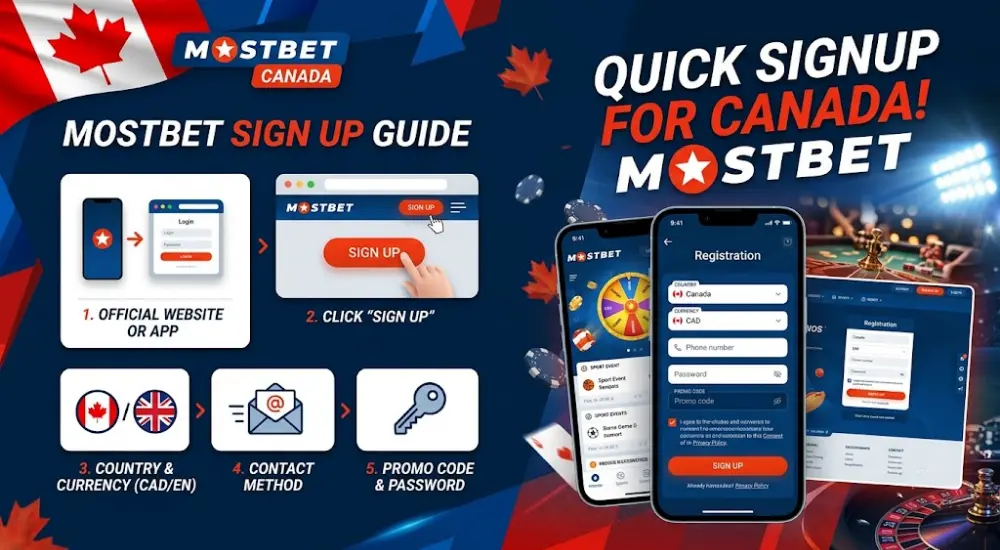
Mostbet Sign Up Guide
Quick Signup Process for Canadian Users
Mostbet sign up starts from the official website or mobile app. The “Sign Up” or “Register” button opens the account form. The system may ask for country, currency, contact method, promo code, password, and consent to terms.
Canadian users should select Canada where available and choose USD for monetary activity. All later deposits, bonuses, betting stakes, and withdrawals should remain consistent with that account currency.
Use this basic account creation path:
- Open the official Mostbet website or app.
- Press “Sign Up” or “Register.”
- Select Canada as your country, when listed.
- Choose USD as the currency, if the form allows it.
- Enter accurate contact and personal details.
- Confirm the account by SMS, email, or profile prompt.
Before You Submit the Form
A Mostbet registration form is easier to finish when the details are ready. Prepare your phone, email inbox, and identity data before pressing submit.
Check these items before creating the profile:
- Your full name matches your government-issued ID.
- Your birth date confirms legal gambling age.
- Your phone number can receive SMS codes.
- Your email account opens without delay.
- Your USD currency choice matches your payment plan.
- Your promo code field is checked before confirmation.
Registration Methods
Mostbet account creation can use several routes. The exact options may vary by device, country page, and app version. Email and phone registration suit users who want a stable login. One click signup is quicker, but it needs careful password storage.
| Method | Speed | Main Benefit | Main Risk |
| One click | Under 1 minute | Fast profile creation | Credentials must be saved instantly. |
| Phone | 2–3 minutes | SMS confirmation is direct | Wrong country code blocks access. |
| 2–4 minutes | Good for password recovery | Confirmation links may land in spam. | |
| Social | 1–2 minutes | Fewer manual fields | Linked account access must stay protected. |
Choosing the Right Option
Phone registration works well for players who use mobile betting daily. Email registration suits users who prefer written confirmations and password recovery. Social signup is practical when Google, Facebook, Telegram, Steam, or Twitch buttons appear.
One click signup fits speed, not long-term housekeeping. After instant registration, change temporary login data and fill the profile. A bare profile can face more checks before withdrawals.
One Click Sign Up
How It Works
One click signup creates a Mostbet account with minimal manual input. The system may generate login details automatically. It is the fastest route for users who want immediate access to the lobby, markets, and cashier preview.
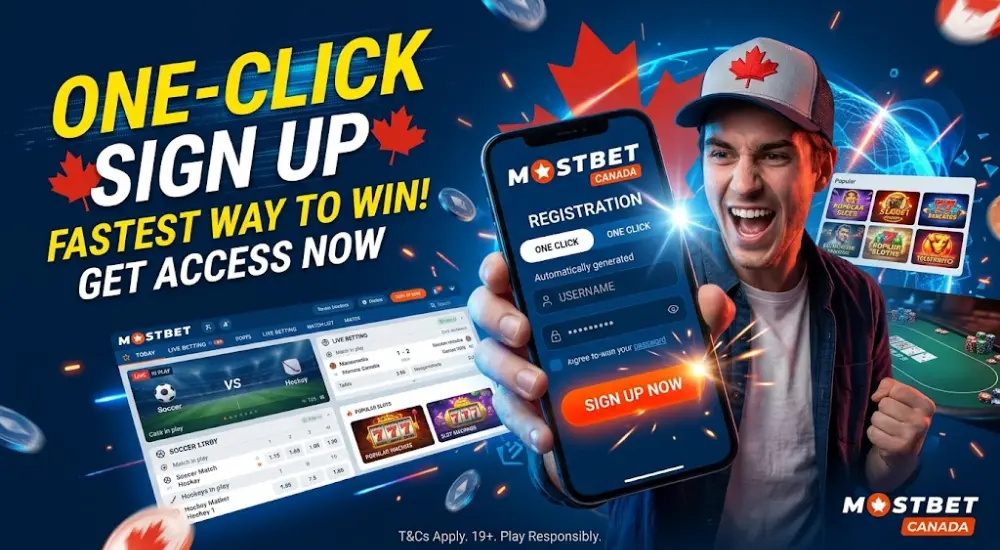
Follow this one click sequence:
- Open the registration window.
- Choose the one click option.
- Save the generated username and password.
- Add your phone number or email in the profile.
- Select USD as your account currency, where available.
- Complete verification before major withdrawals.
Practical Use
One click signup is useful for testing the interface. It is less ideal for users who forget credentials. Save login data in a password manager, then bind email and phone quickly.
Phone Registration
SMS-Based Account Creation
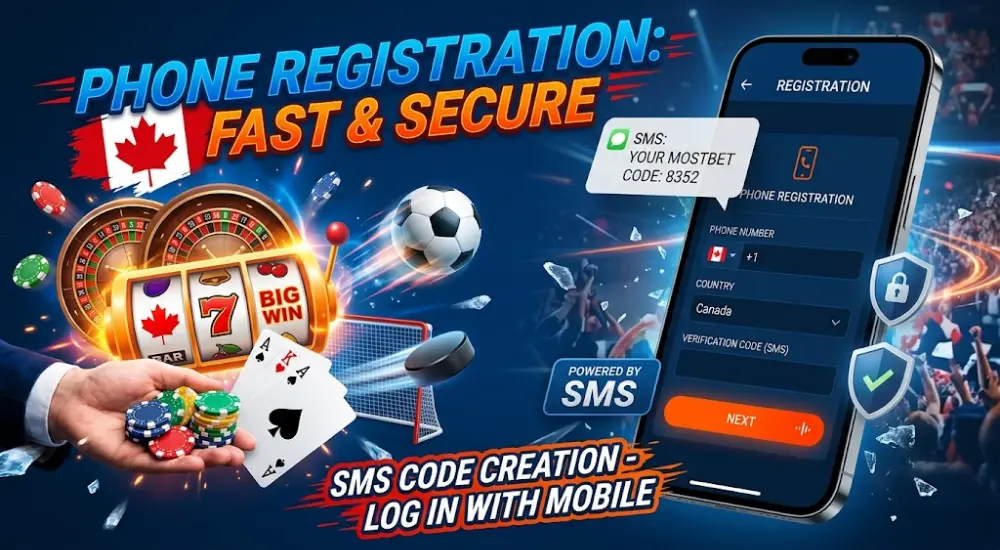
Phone registration uses your mobile number as the main login anchor. Canadian users should include the correct country code. The confirmation code usually arrives by SMS, then expires after a short period.
Use phone signup when you want fast recovery through mobile confirmation. Avoid temporary SIM cards, shared numbers, and inactive numbers. A payment or withdrawal review may require the same phone later.
Phone Registration Tips
These details reduce SMS and profile errors:
- Enter the full international number.
- Remove extra zeros after the country code.
- Keep the phone active during registration.
- Request a new code only after the timer ends.
- Avoid VPN routing that changes your detected region.
- Contact support if SMS fails repeatedly.
Email Registration
Email-Based Signup Steps
Email registration gives a stable route for login recovery, bonus messages, and security alerts. Enter a working address, create a password, accept the terms, and confirm through the message Mostbet sends.
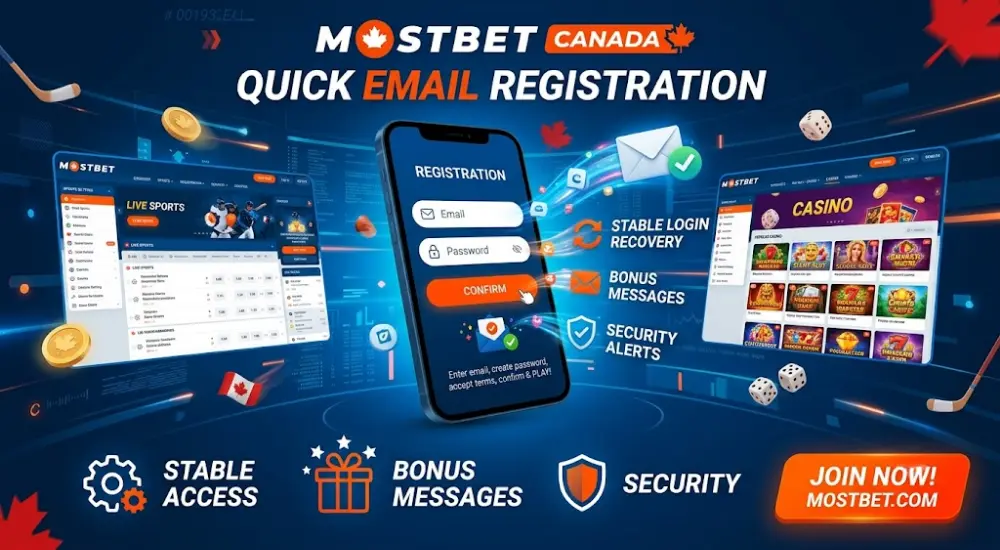
The confirmation email can arrive in the inbox, promotions folder, or spam folder. Do not create a second profile if the email is delayed. Multiple accounts can trigger account restrictions.
Strong Email Setup
Use an email account that only you control. Activate inbox security before linking it to gambling activity. Do not use a work email, borrowed address, or public mailbox.

Social Sign Up Options
Google, Facebook, Telegram, and Other Buttons
Mostbet may show social signup buttons such as Google, Facebook, Telegram, Steam, or Twitch. Availability depends on the current registration page and region. Social signup reduces typing, but account access depends on the linked service.
Use social signup only when the linked profile has strong protection. If your Google or Telegram account is lost, Mostbet recovery may take longer.
Social Signup Checklist
Check these points before using a social profile:
- The social account uses your real email or phone.
- Two-step protection is active there.
- The profile is not shared with anyone.
- The account name does not conflict with your ID.
- You can access recovery settings.
- You understand how to unlink it later.












Account Verification
KYC Requirements
Mostbet verification confirms identity, age, address, and payment ownership. KYC may be requested after registration, before withdrawal, or after larger USD transactions. Canadian users should upload clear documents in the account verification area.
Typical document requests include:
- Government-issued ID, such as passport or driving licence.
- Proof of address, such as utility bill or bank statement.
- Payment proof, such as card image with hidden middle digits.
- Selfie or liveness check, when requested.
- Extra source-of-funds details for larger activity.
Upload Rules
Use colour scans or sharp photos. Every corner must be visible. Names, dates, document numbers, and addresses must be readable. Cropped files, glare, expired ID, or mismatched names often cause rejection.
Password and Security
Secure Login Setup
A Mostbet registration should not rely on a weak password. Use a long password with letters, numbers, and symbols. Avoid names, birthdays, repeated digits, team names, and reused casino passwords.
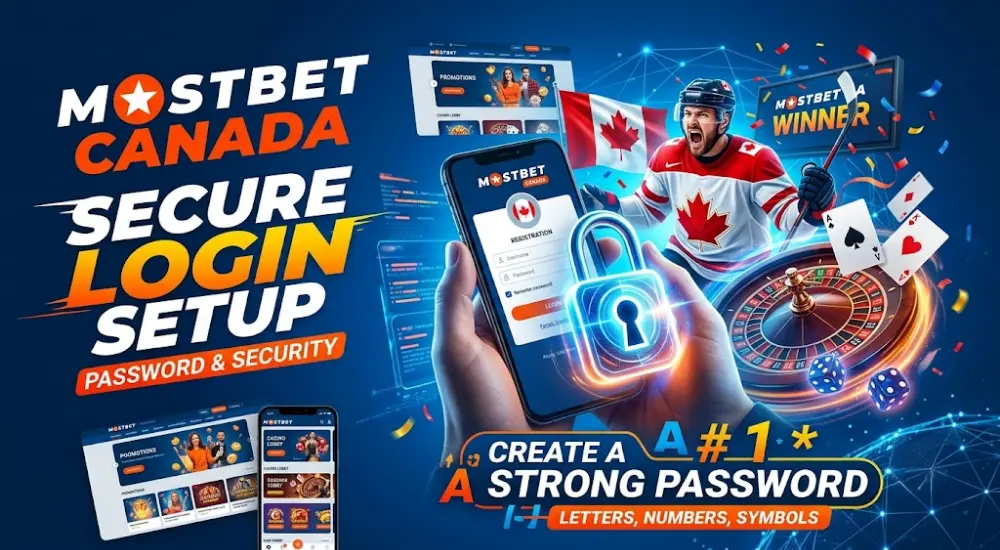
Build safer access with these habits:
- Use at least 12 characters.
- Mix uppercase, lowercase, numbers, and symbols.
- Store the password in a password manager.
- Never share screenshots of account details.
- Activate 2FA if the profile offers it.
- Keep email and phone recovery updated.
Profile Protection
Log out on shared devices. Avoid public Wi-Fi during deposits. Review active sessions if the account area shows device history. Change the password after any suspicious login, bonus change, or unknown cashier attempt.





Registration Errors
Common Problems and Fixes
Most Mostbet registration errors come from mistyped data, regional mismatch, expired codes, or duplicate accounts. Do not keep resubmitting random forms. Fix the exact field first.
| Error Message | Likely Cause | Fast Fix |
| Phone already used | Existing account tied to number | Recover login or contact support. |
| Email already registered | Previous profile exists | Use password recovery. |
| Invalid promo code | Code expired or mistyped | Check spelling or leave field empty. |
| SMS code expired | Timer ran out | Request a fresh code. |
| Password too weak | Low character variety | Create a longer password. |
| Document unreadable | Blurry KYC upload | Submit a sharper colour file. |
Duplicate Account Warning
Mostbet users should create only 1 account. Duplicate profiles can affect bonuses, withdrawals, and verification. If you registered earlier, recover the old login instead of opening another account.
Help and Support for Registration Issues
When to Contact Support
Support is useful when SMS codes fail, email confirmation does not arrive, KYC is rejected, or the country/currency field displays incorrectly. Prepare screenshots, registration email, phone number, and a short description of the issue.
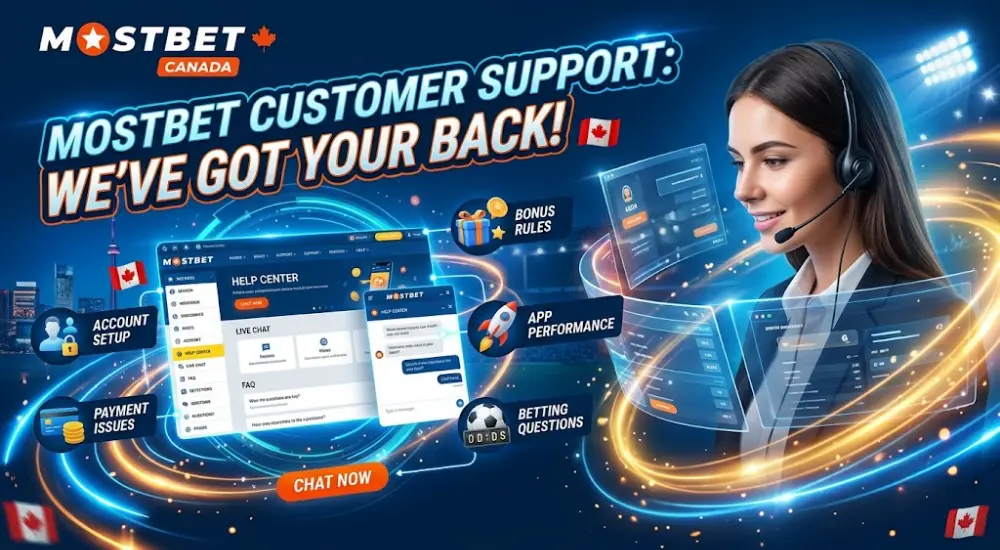
Give support these details:
- Registration method used.
- Approximate time of signup.
- Error text shown on screen.
- Device type and browser or app version.
- Country and USD currency selection issue.
- Email or phone linked to the account.
Faster Troubleshooting
Clear browser cache, disable conflicting VPN settings, update the app, and try another browser before opening a ticket. If a payment method is involved, never send full card numbers in chat. Mask sensitive digits and wait for the secure upload request.